LG Firmware Update Adds Built-In Chromecast to Select Smart TVs
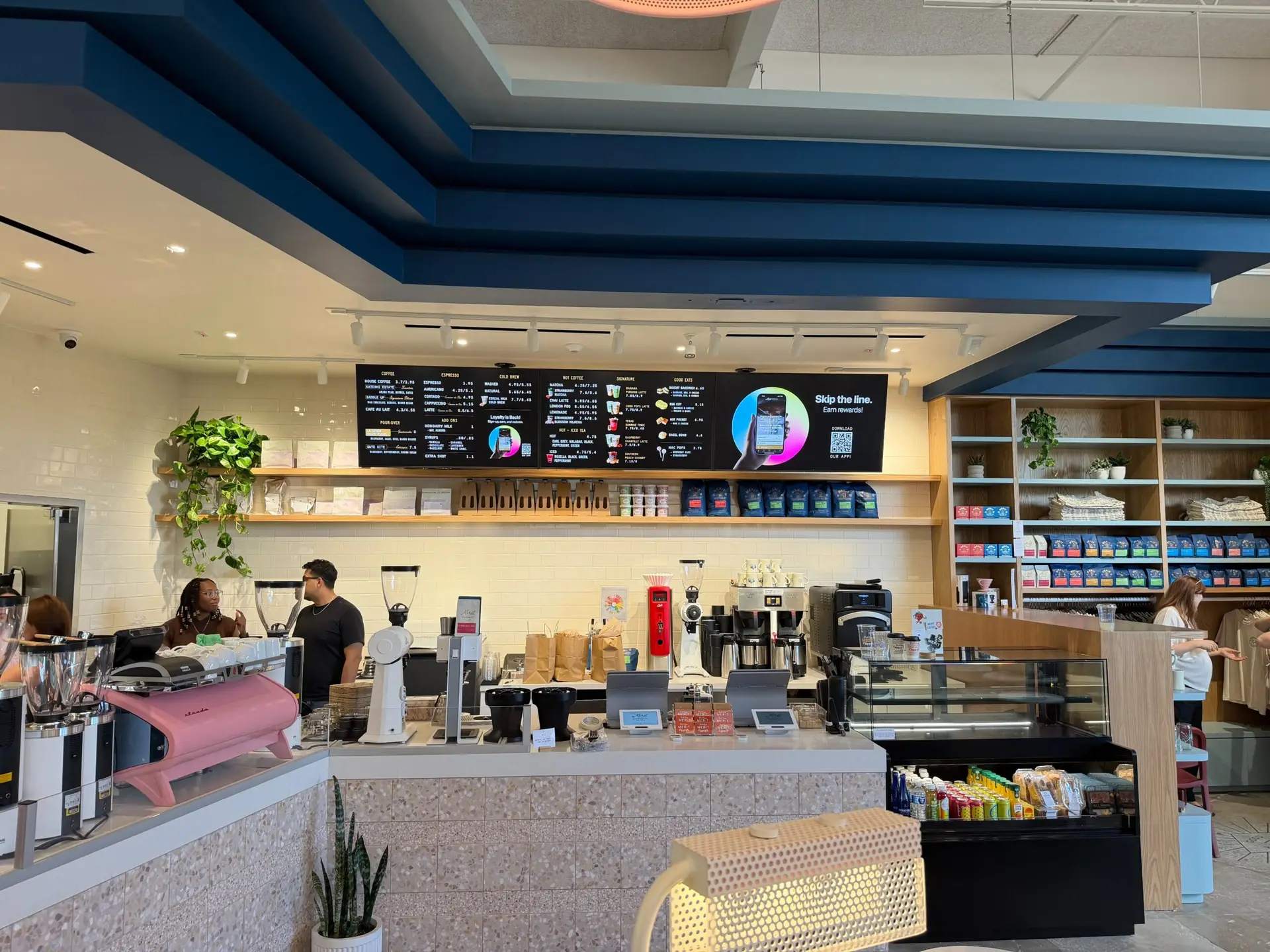
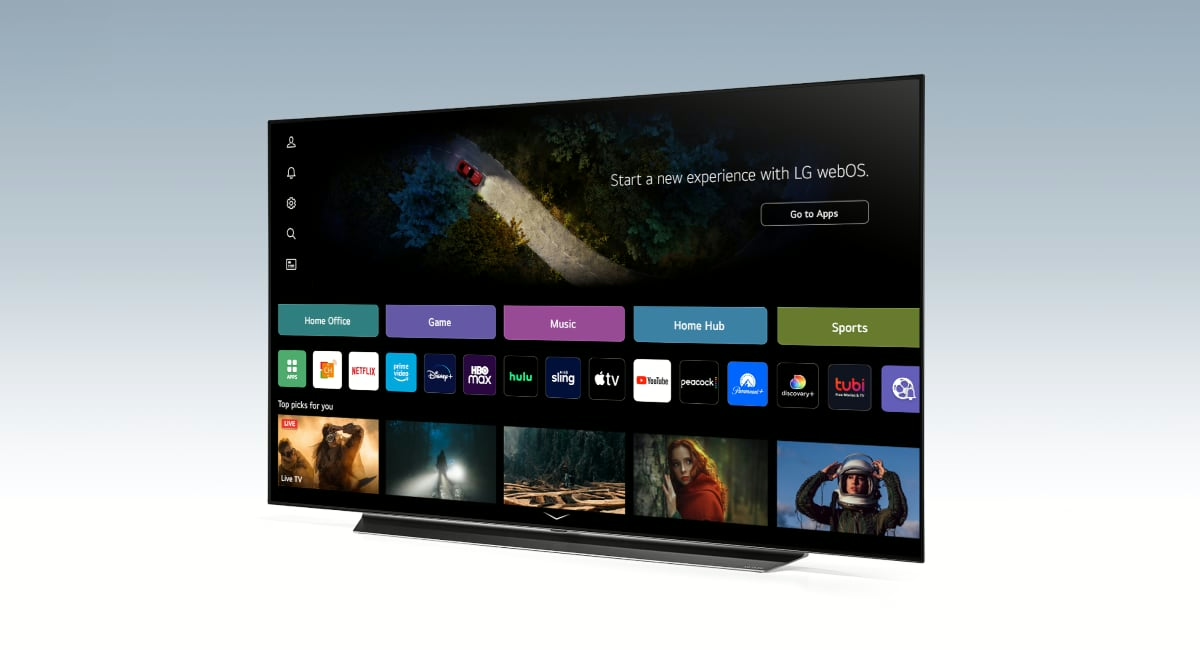
LG has released a major firmware update for select smart TVs that adds built-in Chromecast functionality directly into the operating system. This update eliminates the need for external streaming hardware, making compatible LG TVs a more versatile display option for both consumers and commercial users. For restaurants and businesses that rely on digital menu boards, the update creates a streamlined path to displaying content without additional devices. Combined with Menu Board Manager, native Chromecast integration delivers a simplified, cost-effective digital signage solution.
The update applies to LG TV models released in 2021 or later, including the LG OLED series, LG NanoCell series, LG QNED MiniLED series, and LG UHD series. To access the feature, users need to ensure their TV is running the latest firmware version, which can be checked and installed through the TV settings menu.
What Built-In Chromecast Means for Menu Board Manager Users
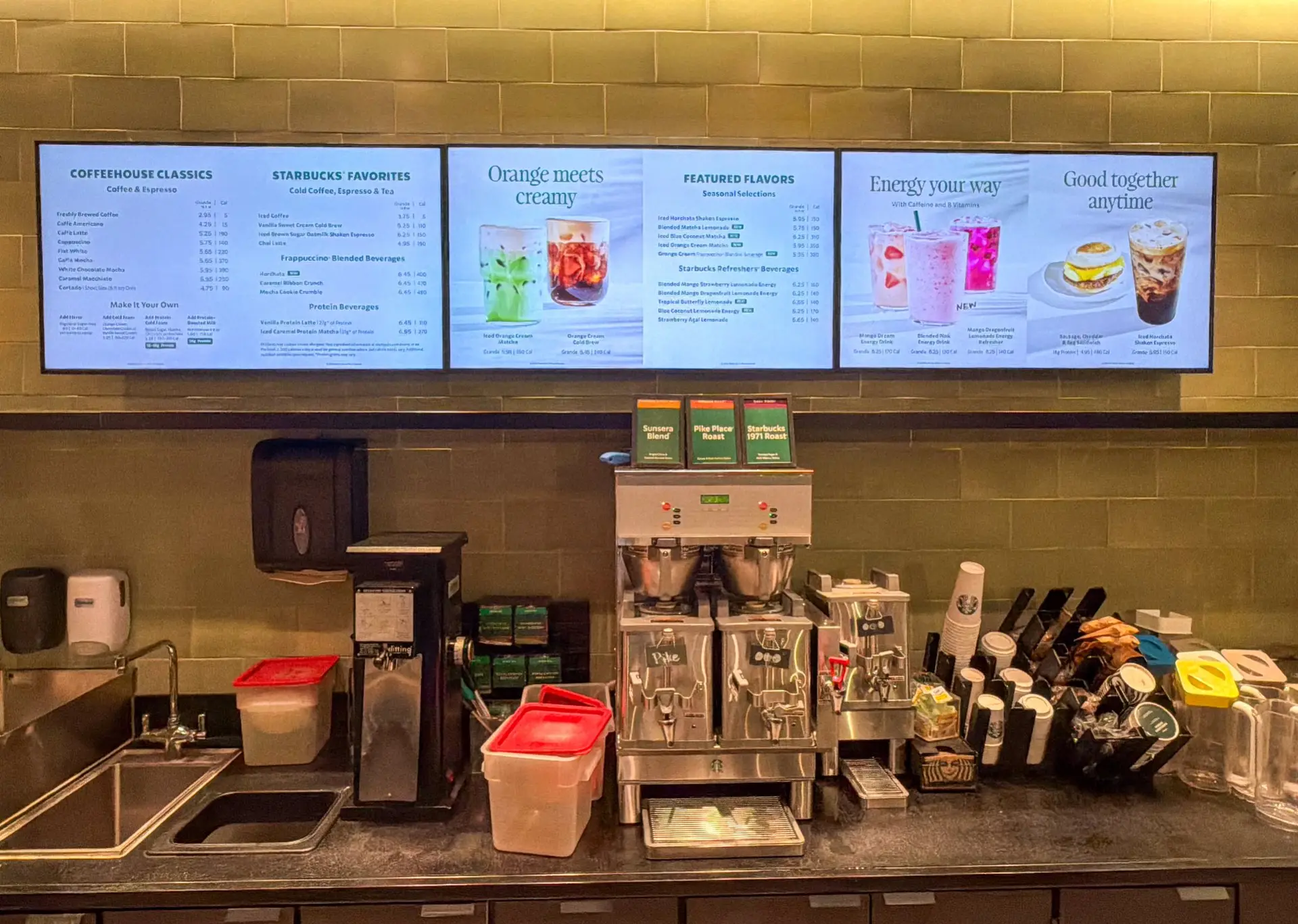
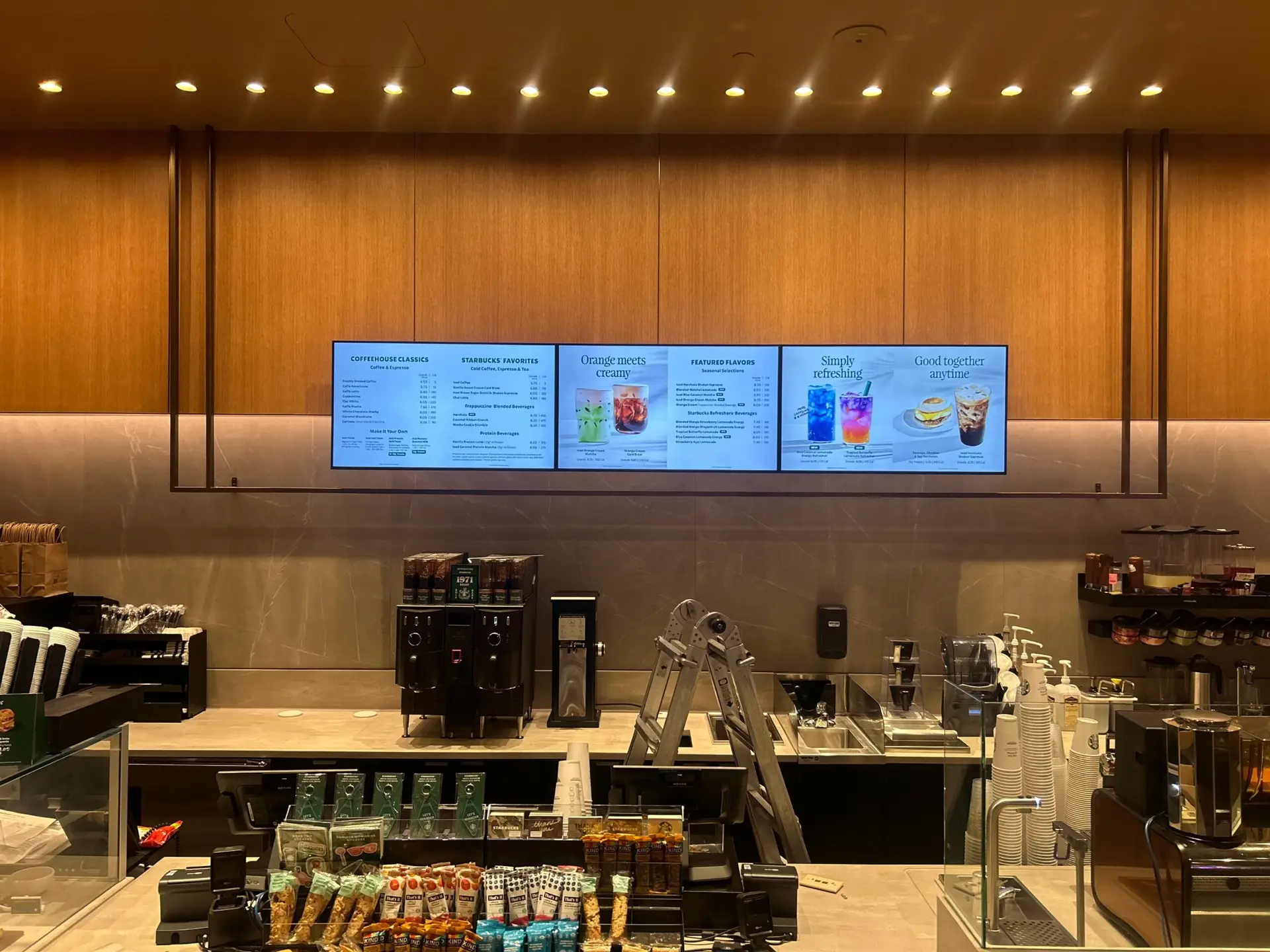
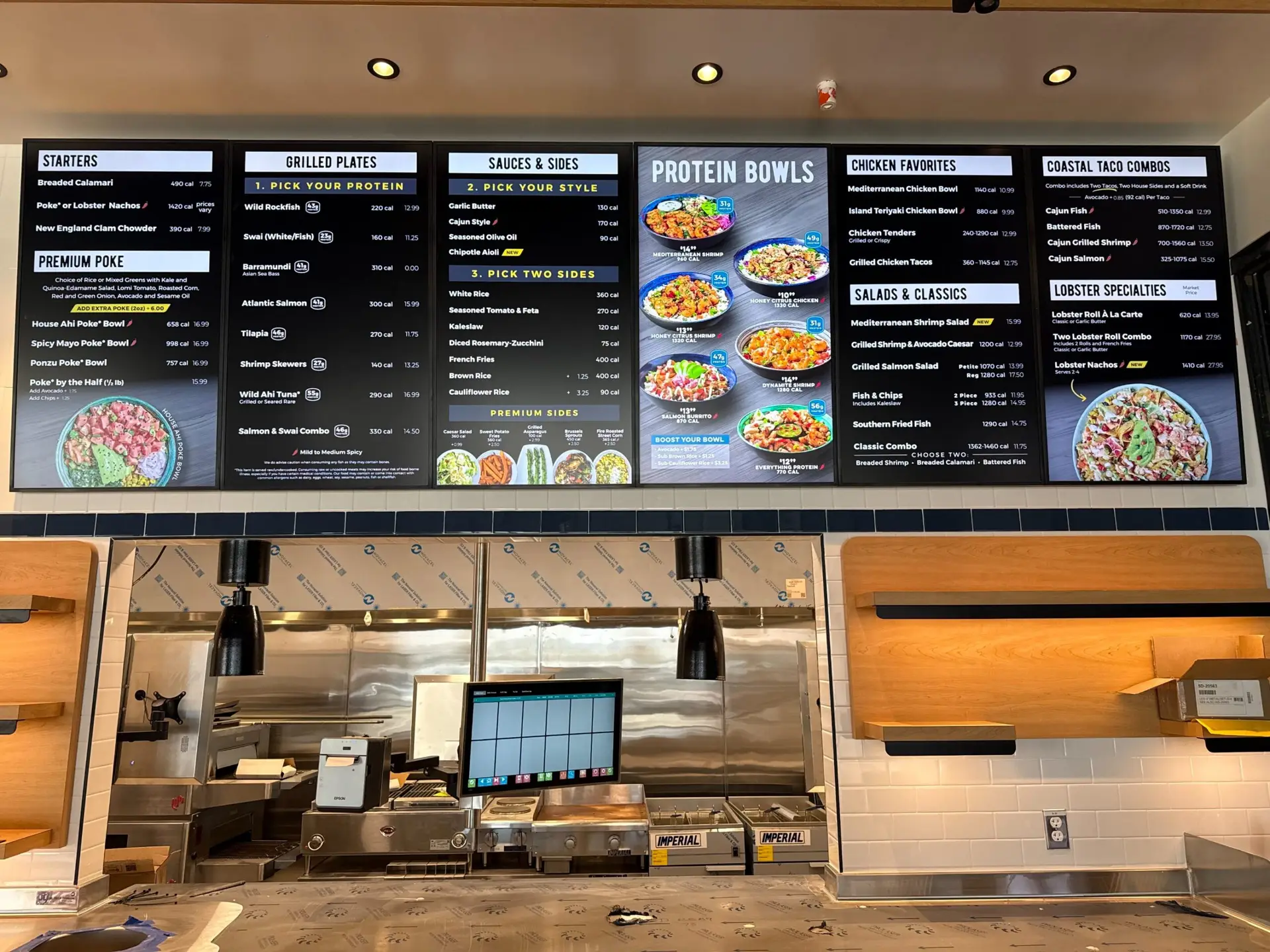
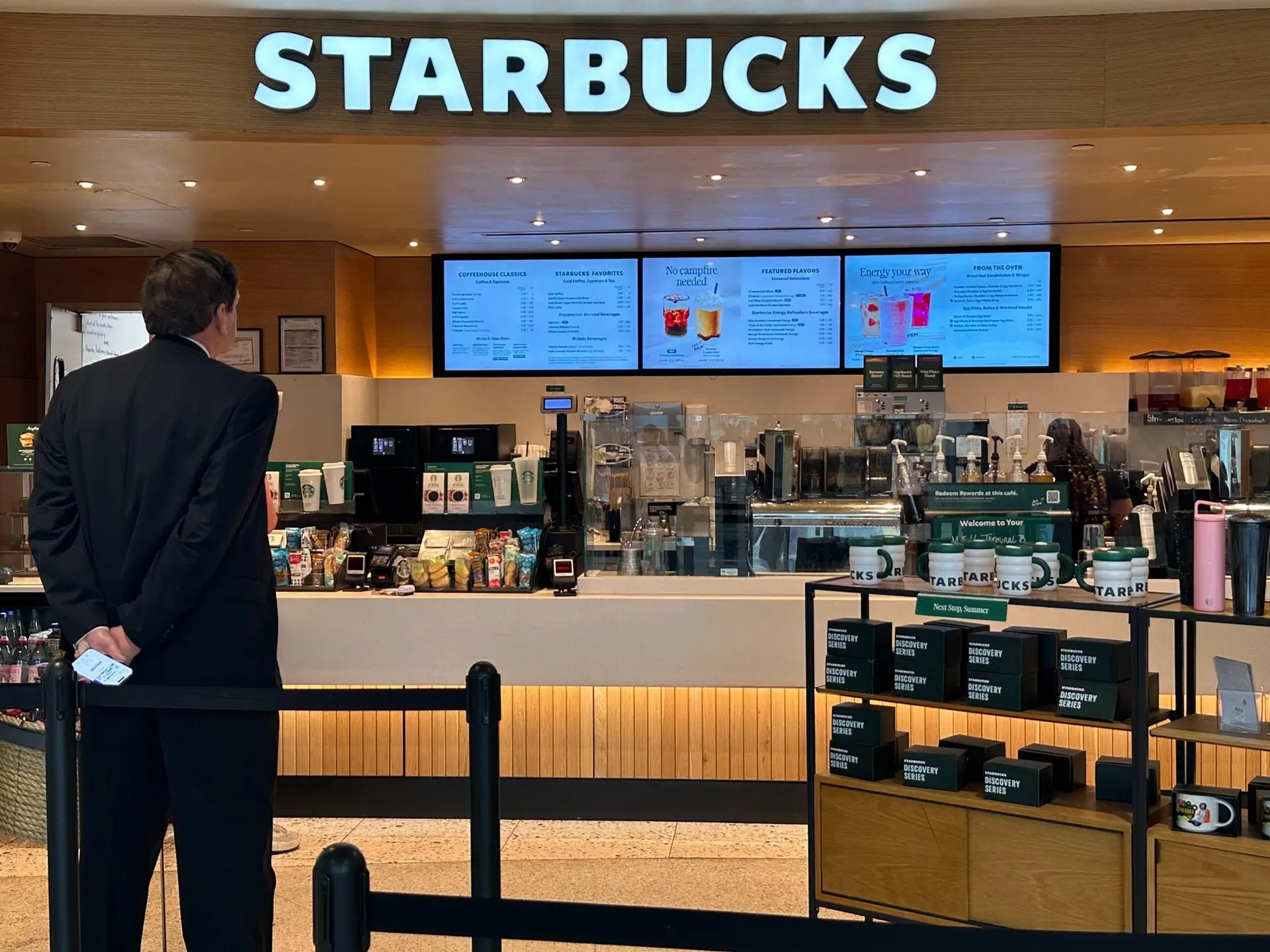
Menu Board Manager is a cloud-based digital signage platform that enables businesses to create, schedule, and manage visually engaging menu boards from anywhere. The addition of native Chromecast support on LG TVs makes deploying Menu Board Manager even easier. Businesses can cast menu content directly to the display without purchasing external media players or adapters, which translates to meaningful cost savings on hardware and reduced installation complexity.
Integrated Chromecast functionality also improves reliability by eliminating external devices that can disconnect, overheat, or require separate power sources. Fewer components mean fewer points of failure, resulting in consistent, uninterrupted menu displays during business hours. Because Menu Board Manager is cloud-based, any updates made on the platform are reflected on the display in real time — whether you are adjusting pricing, adding seasonal items, or using 86/68 item management to remove sold-out dishes automatically.
How to Set Up Your LG TV with Menu Board Manager
Getting started takes just a few minutes. First, update your LG TV firmware by navigating to the settings menu and checking for available updates. Next, connect both the LG TV and your casting device — smartphone, tablet, or computer — to the same Wi-Fi network. Then, log in to your Menu Board Manager account and select the menu board you want to display. Tap the cast icon in the app or browser, choose your LG TV from the list of available devices, and your menu board will appear on screen. Any subsequent changes you make within the platform will update on the display automatically.
For businesses that want even more robust hardware options beyond casting, dedicated digital signage players from Samsung, BrightSign, and Google TV are also available and fully compatible with the platform. You can explore available options in the hardware shop.
Why This Matters for Restaurants and Retail
The integration of Chromecast into LG smart TVs lowers the barrier to entry for businesses considering digital signage. Restaurants, cafes, quick-service chains, and retail stores can now repurpose compatible LG consumer TVs as digital menu displays without investing in separate streaming hardware. This makes digital signage more accessible for smaller operations working with tighter budgets. Businesses unsure of the financial impact can use the ROI calculator to estimate potential savings and returns before committing.
Combined with Menu Board Manager, businesses gain full control over their content, including dayparting, real-time pricing updates, and dynamic menu layouts — all managed from a single cloud-based dashboard.
Ready to turn your LG smart TV into a professional digital menu board? Contact the team at Menu Board Manager today to learn how built-in Chromecast support can simplify your signage setup and reduce costs.